A quick visual tutorial for opening your event, entering scores, following the field, and keeping side games organized.
Step 1
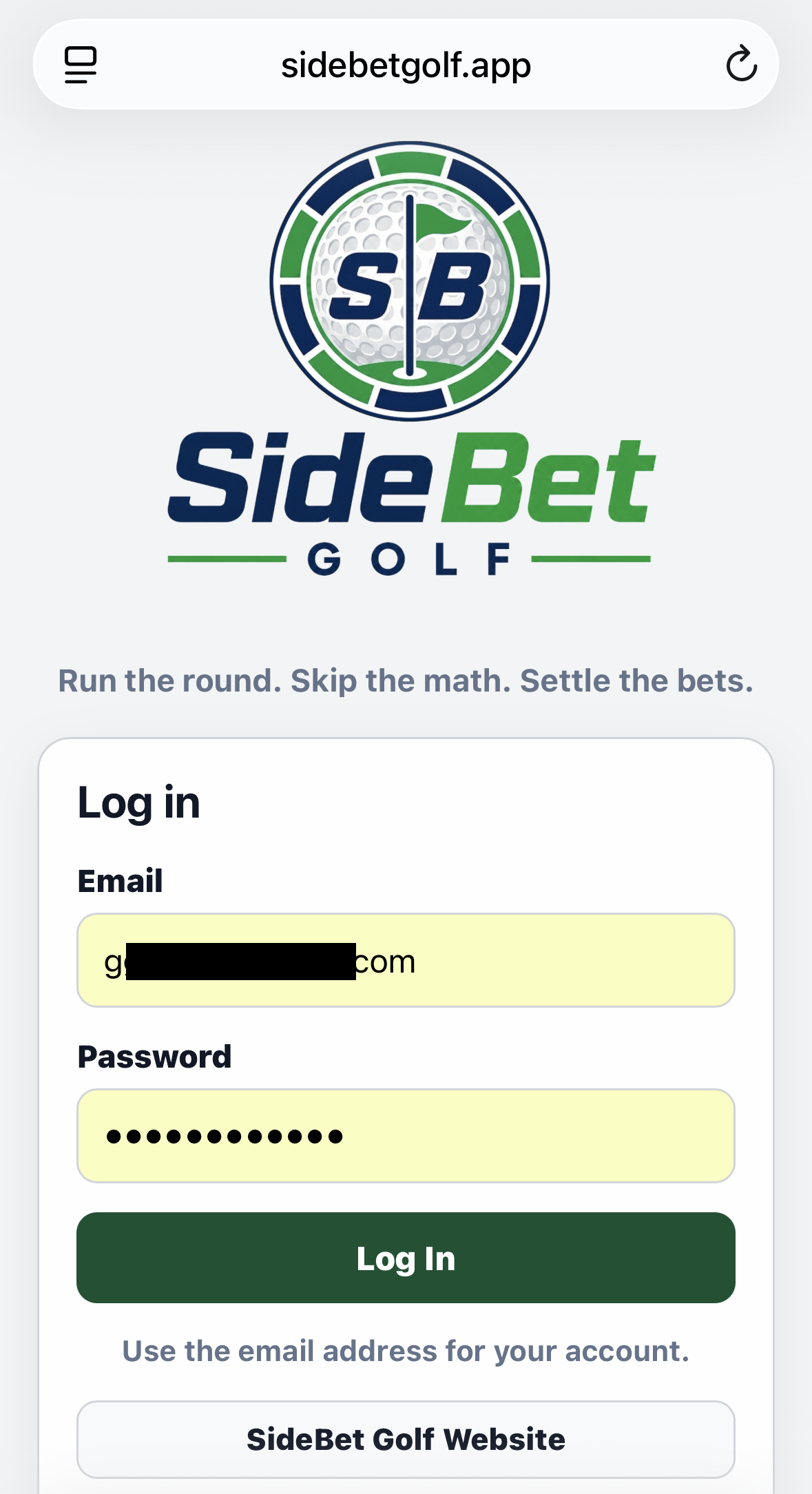
Use the email address and password connected to your SideBet Golf player account. Your organizer can help if your account has not been set up or your email does not match the tournament roster.
Open SideBet Golf in your phone browser.
Enter your player-account email and password.
Select Log In to open your tournament center.
Use the account email your organizer has associated with your player profile.
Step 2
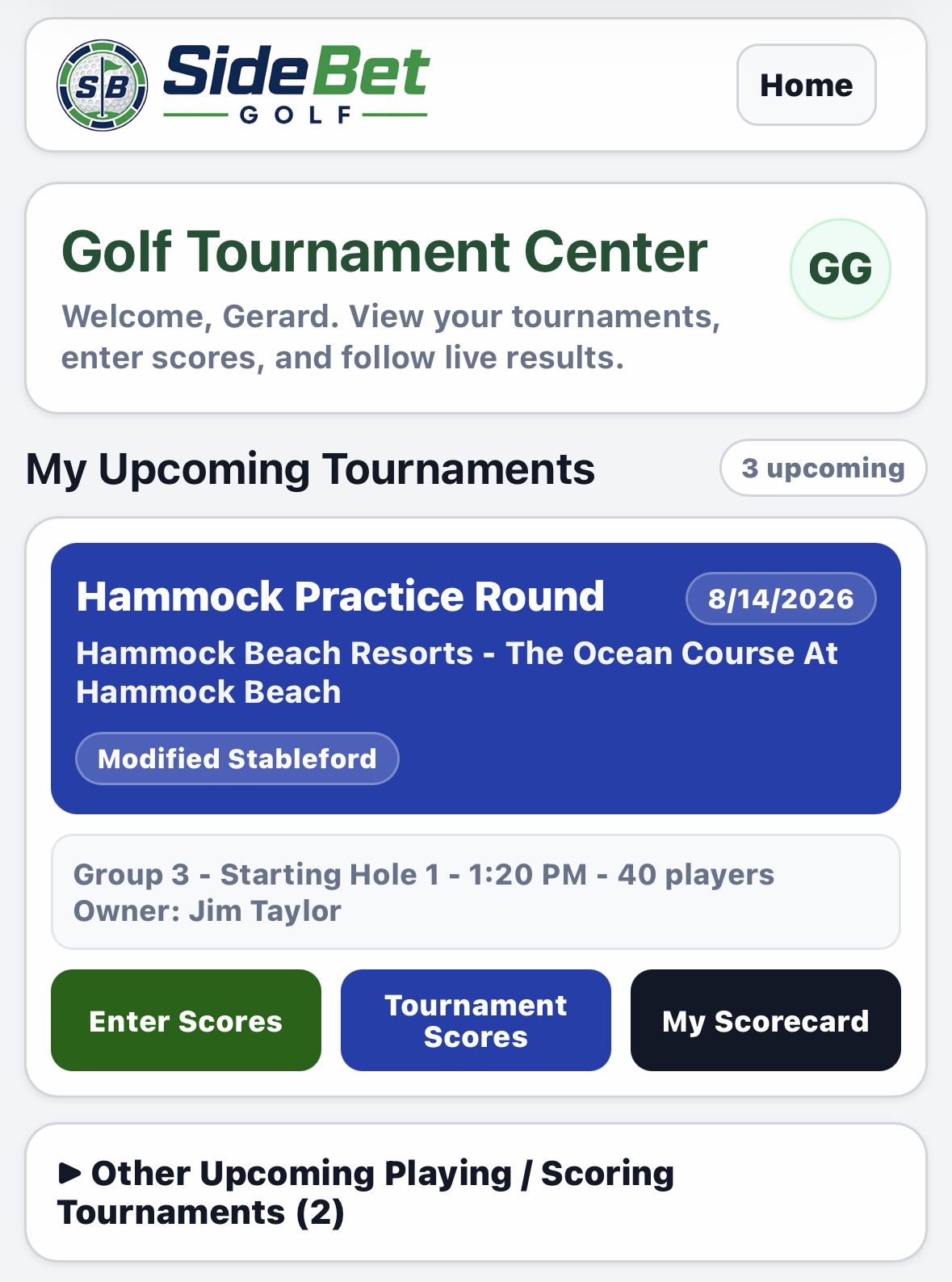
Your next event appears first under My Upcoming Tournaments. The event card opens tournament details; the action buttons below it take you directly to scoring or results.
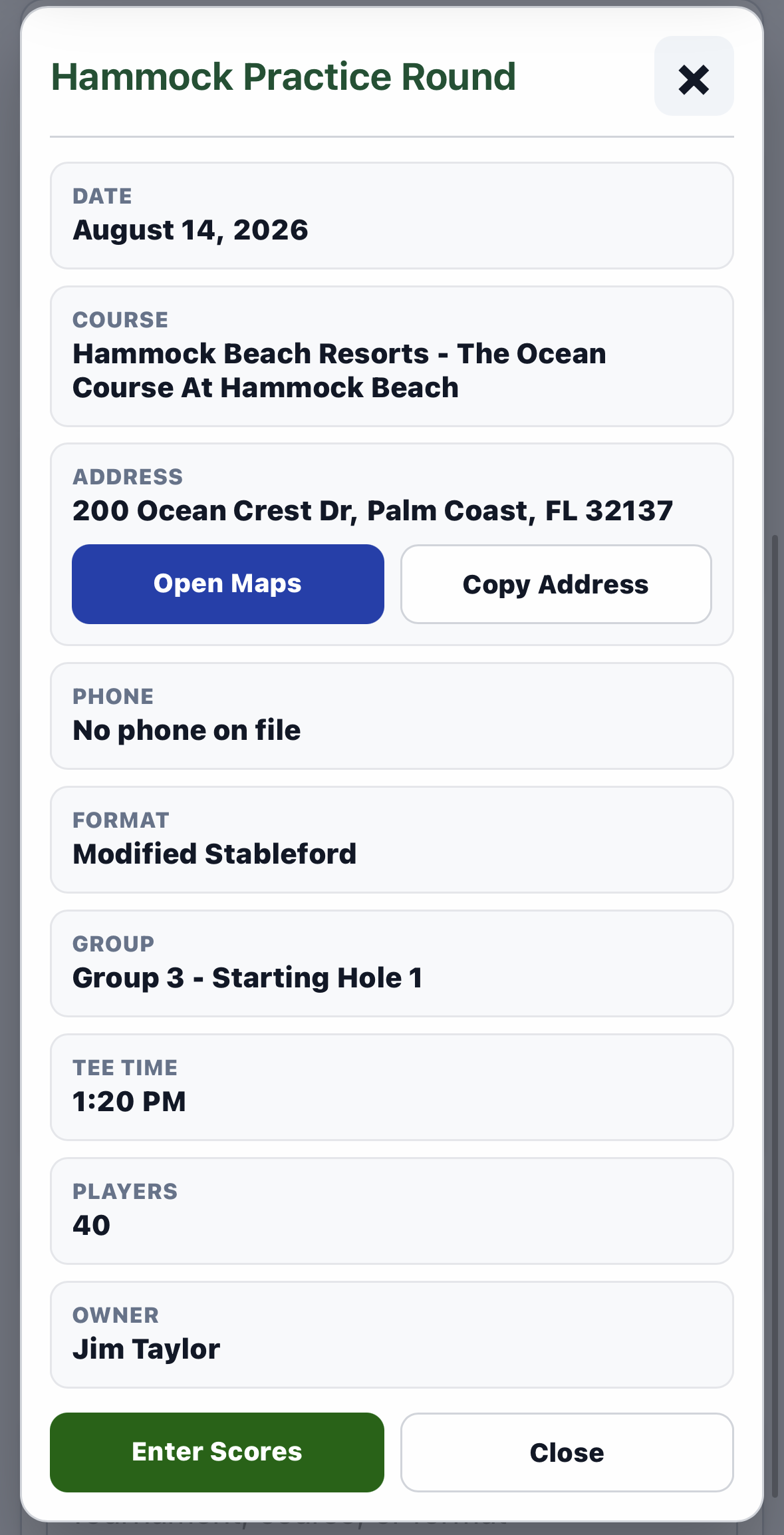
Enter Scores starts the scorecard. Tournament Scores follows the field, and My Scorecard opens your group results.Tap the blue event card to review the course, maps, format, group, starting hole, and tee time.
Step 3
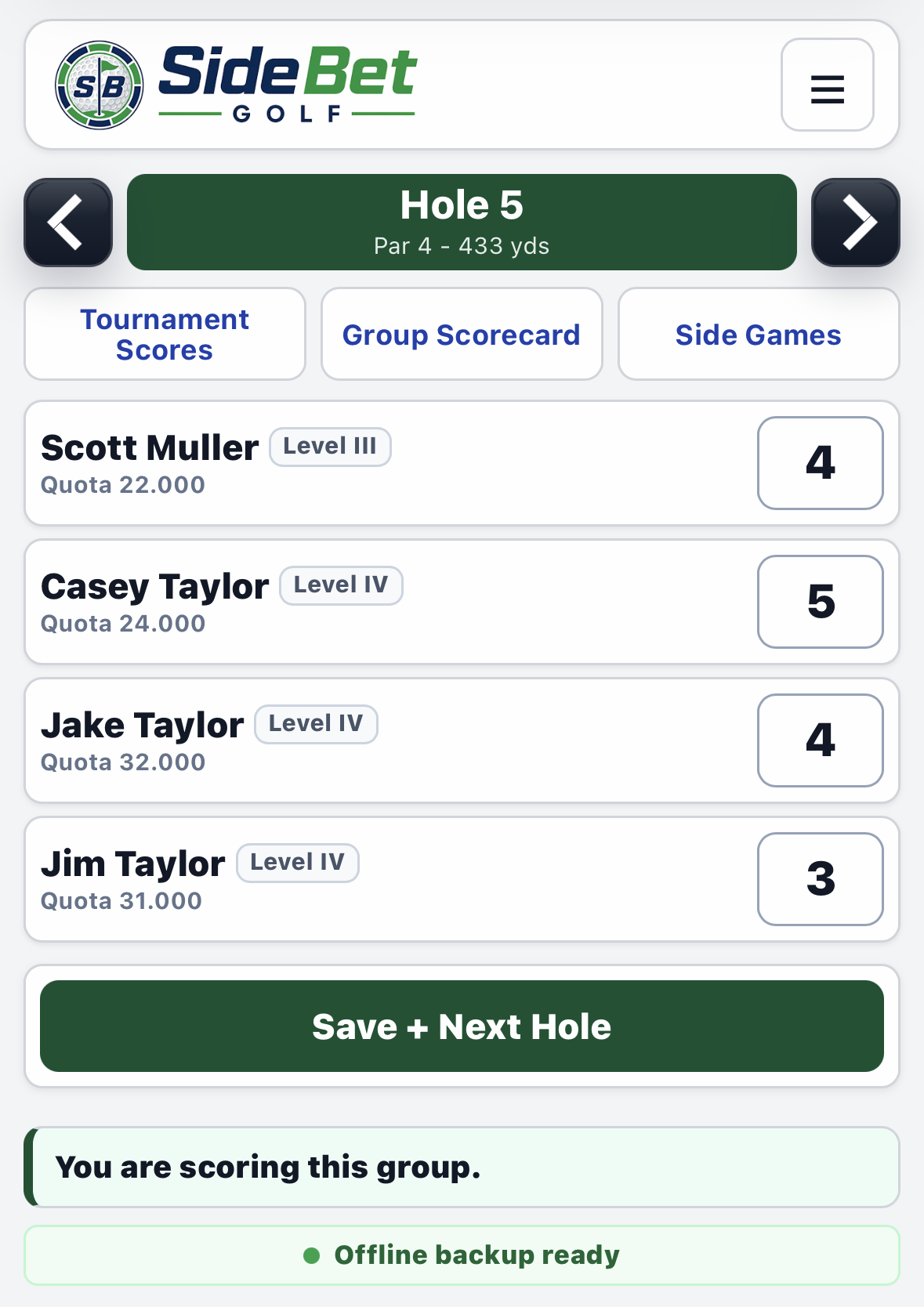
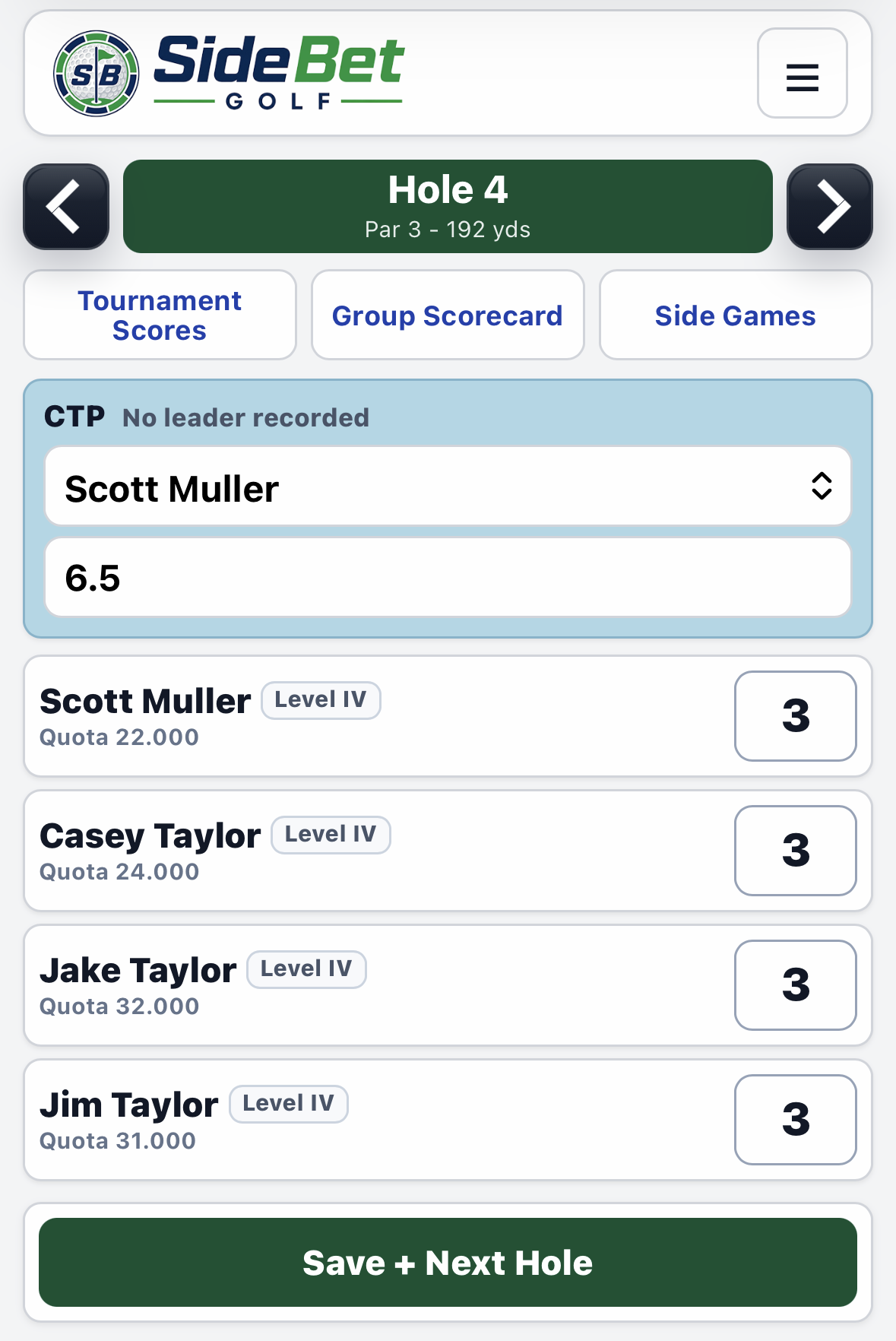
Enter a score for each player in the group, then select Save + Next Hole. The first player to save a score becomes the group scorer; everyone else can follow along without accidentally overwriting the scorecard.
Check the hole, par, and yardage. When players use different tee boxes or a split/hybrid tee, SideBet Golf shows the correct tee beside each player's name so everyone knows which markers to use on that hole.
Use the left and right arrows to move between holes.
On an eligible par 3, select the CTP leader and enter the distance in decimal feet.
Enter the full group's scores and save before moving to the next hole.CTP entry appears on eligible par 3s. Lower distance wins; decimals can represent inches.
Step 4
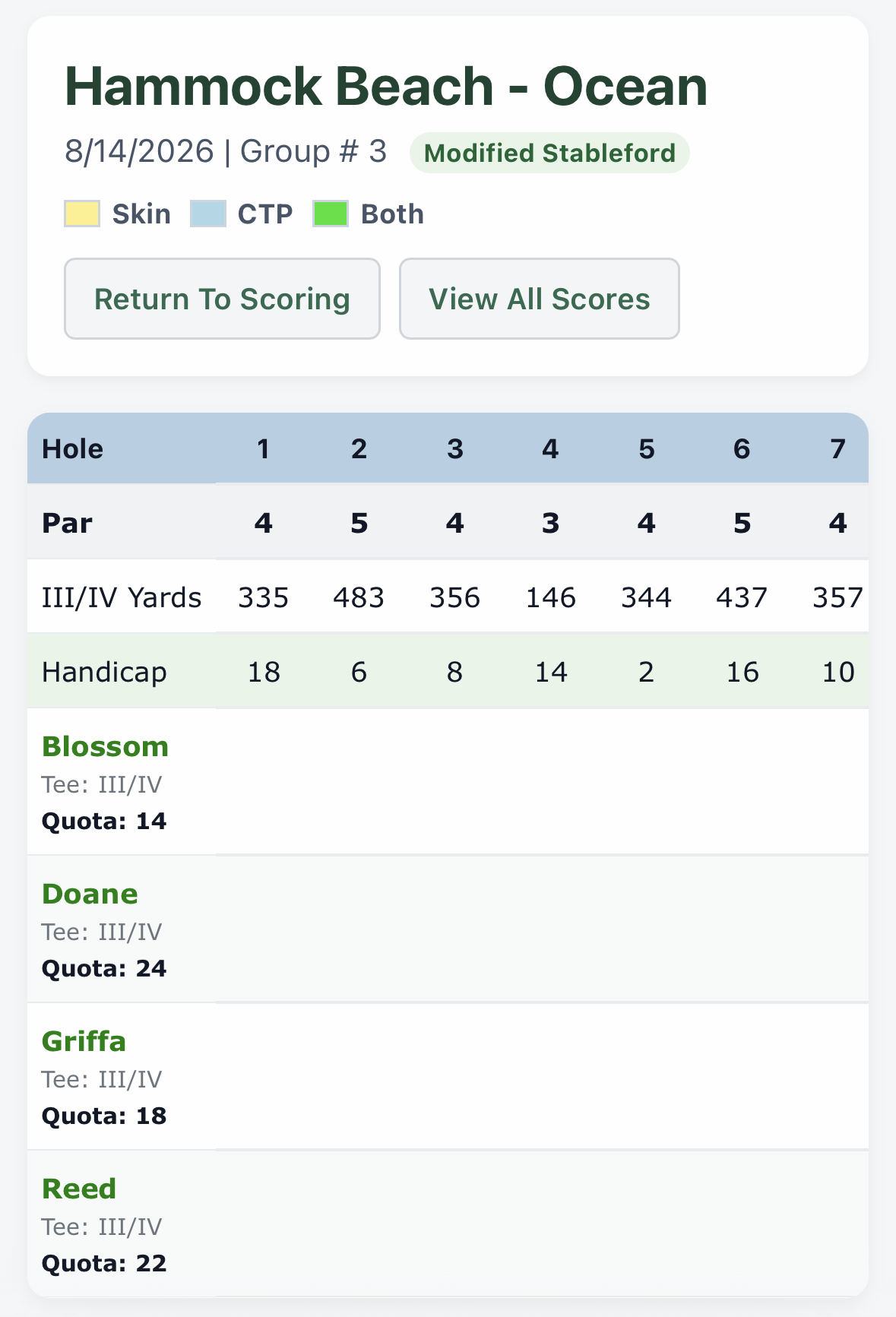
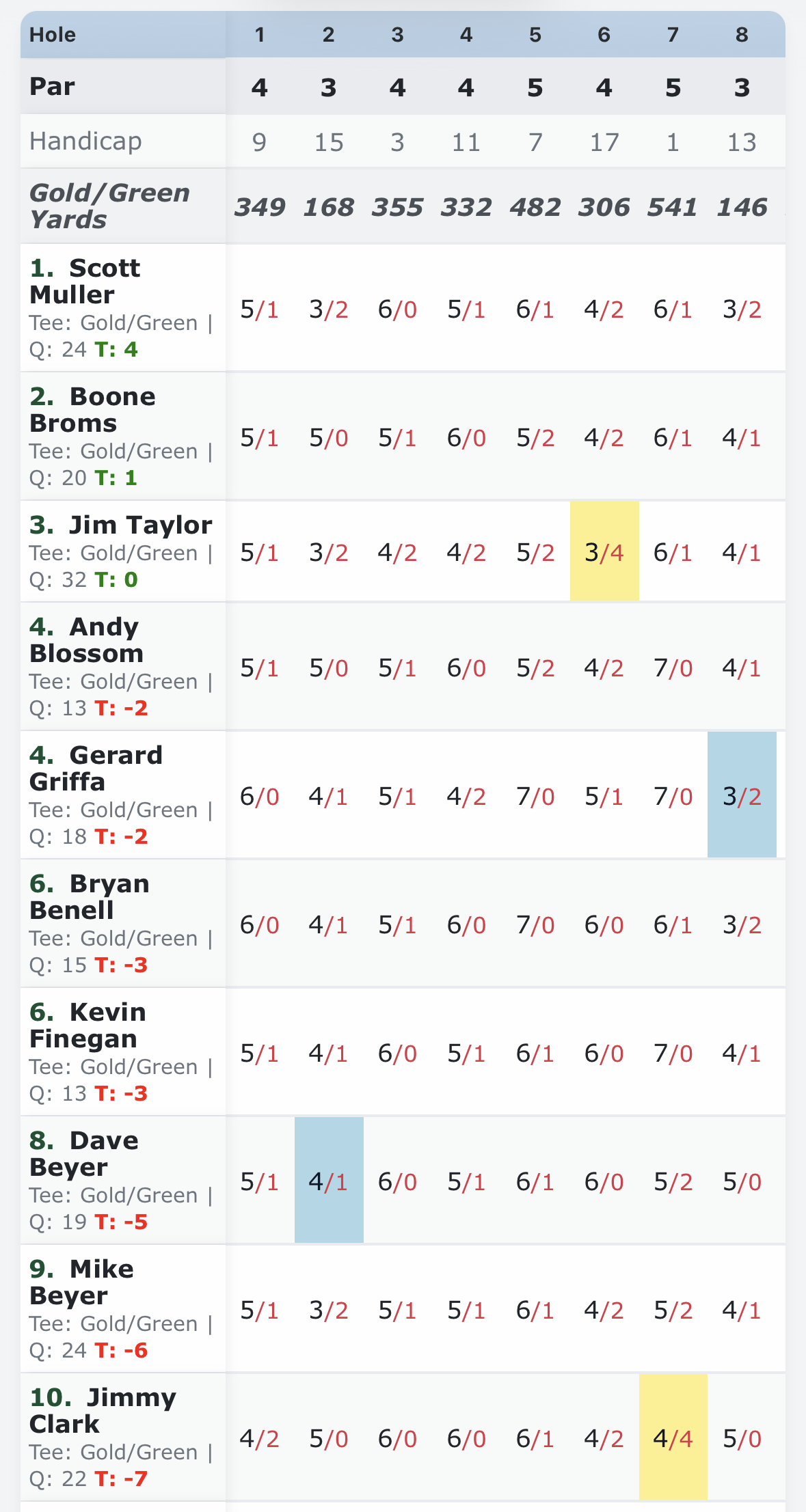
Use Group Scorecard while scoring to review every player in your pairing. Tournament Scores shows progress across the full field, including current skins and CTP indicators when those bets are active.
The group scorecard shows hole details, player results, tees, and current skins or CTP highlights when those games are active.Tournament Scores lets the group follow live scoring, skins, and CTP leaders across the field.
Step 5
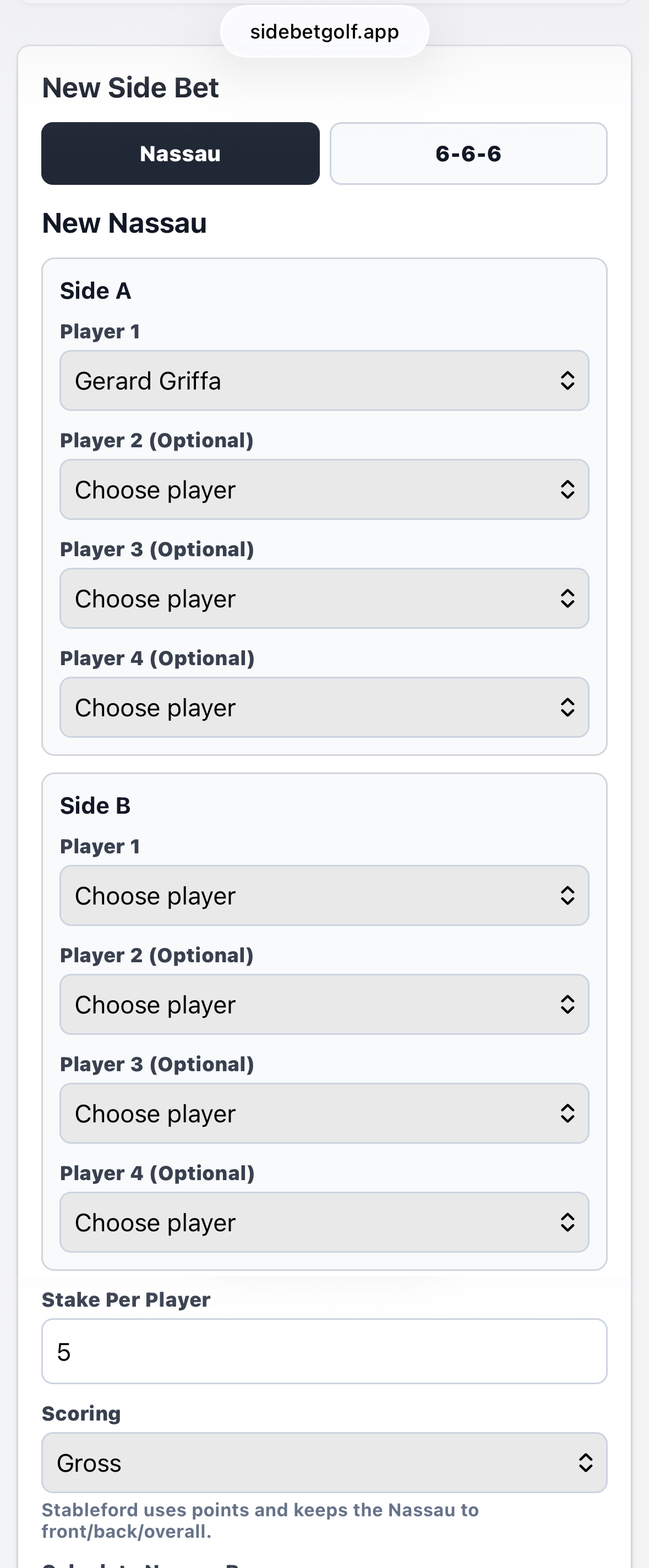
Select Side Games from live scoring, then choose Nassau, 6-6-6, Points Per Hole (5-3-1), or Scotch. Review the players, stake, and scoring settings before creating the game.
Nassau supports individual or team sides and can run as pure match play by hole or by front, back, and overall totals.
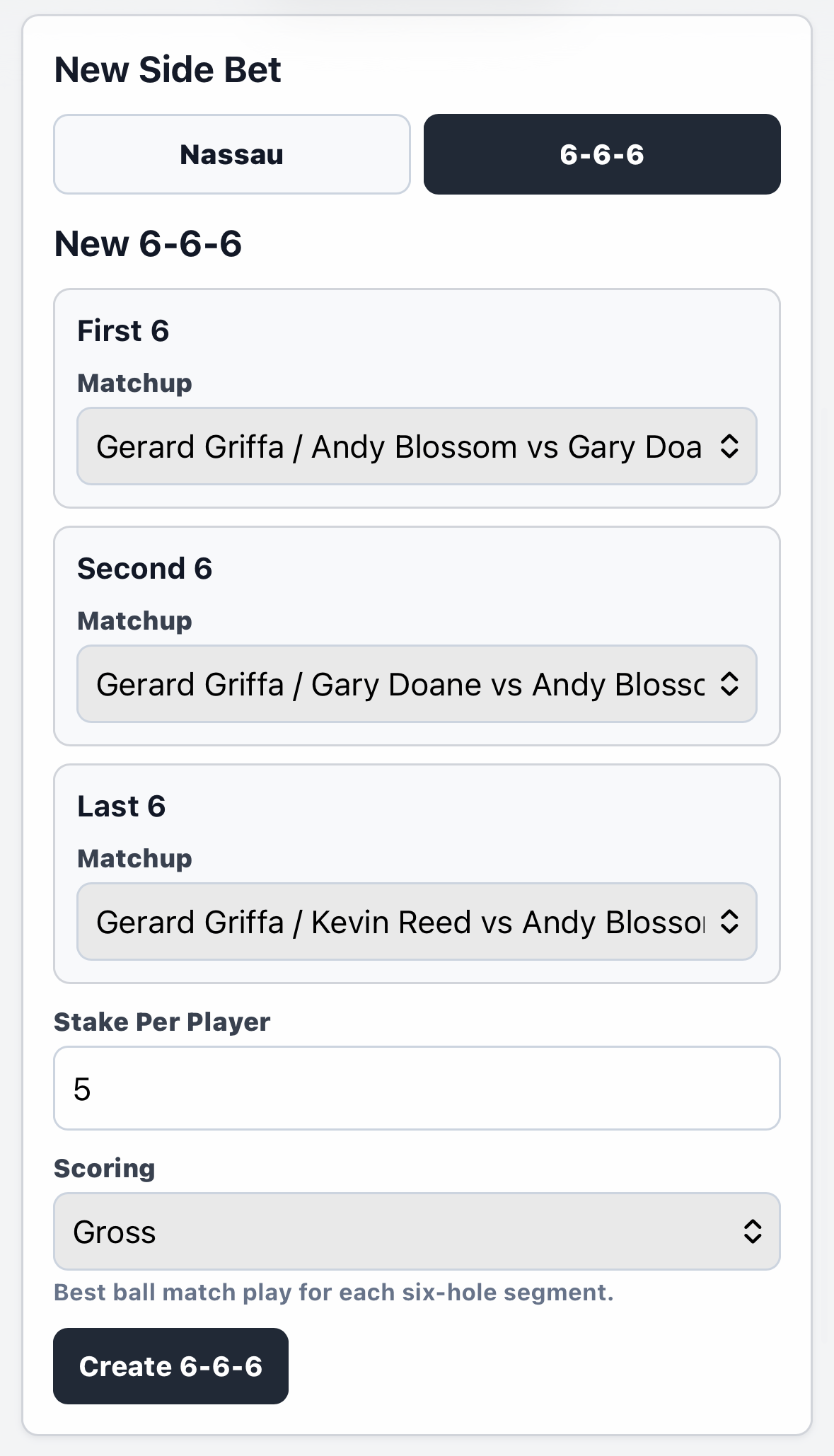
6-6-6 uses the four players in your group and rotates unique partners for the first, second, and last six holes.
Points Per Hole (Baseball) is a three-player net game that awards 5 points for the lowest score, 3 for second, and 1 for third. Players receive strokes off the low GHIN/manual handicap; when one is unavailable, the app estimates it as 36 minus Stableford quota. An optional gross-birdie bonus doubles the hole to 10-6-2.
Scotch is a four-player, fixed-partner net game. The app calculates low ball, team total, and gross birdie points; the group scorer records CTP and any roll or re-roll. Umbrella and roll multipliers stack.
Created side games update from the tournament scores as the round is played.
Additional side games will be added based on player demand.
Choose Side A and Side B, then set the stake and scoring method. Additional Nassau options continue below.Set a unique partner matchup for each six-hole segment, then choose the stake and scoring method.